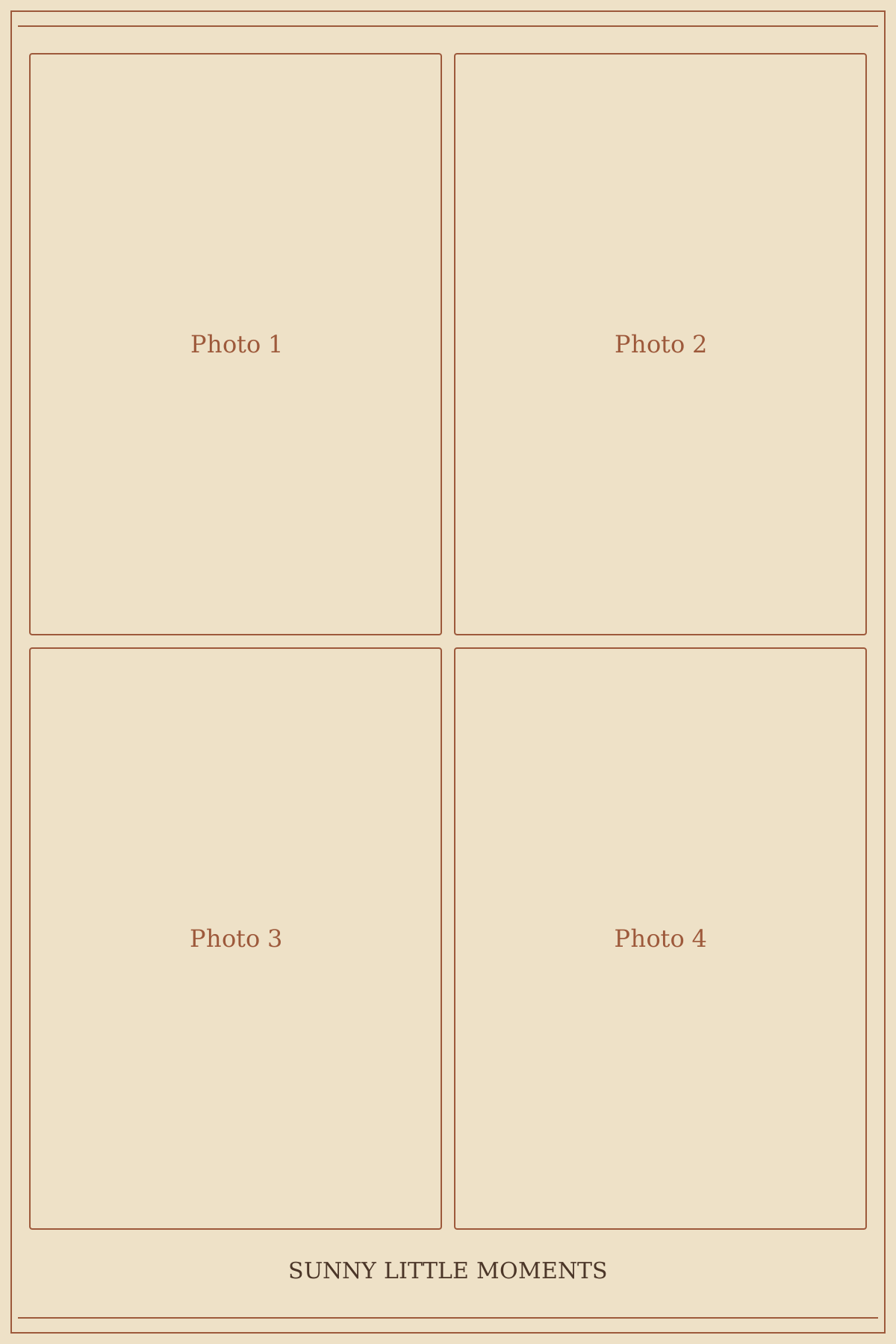
Archival · Summer party
4×6 inch, four-photo grid
An original Flashroom print layout
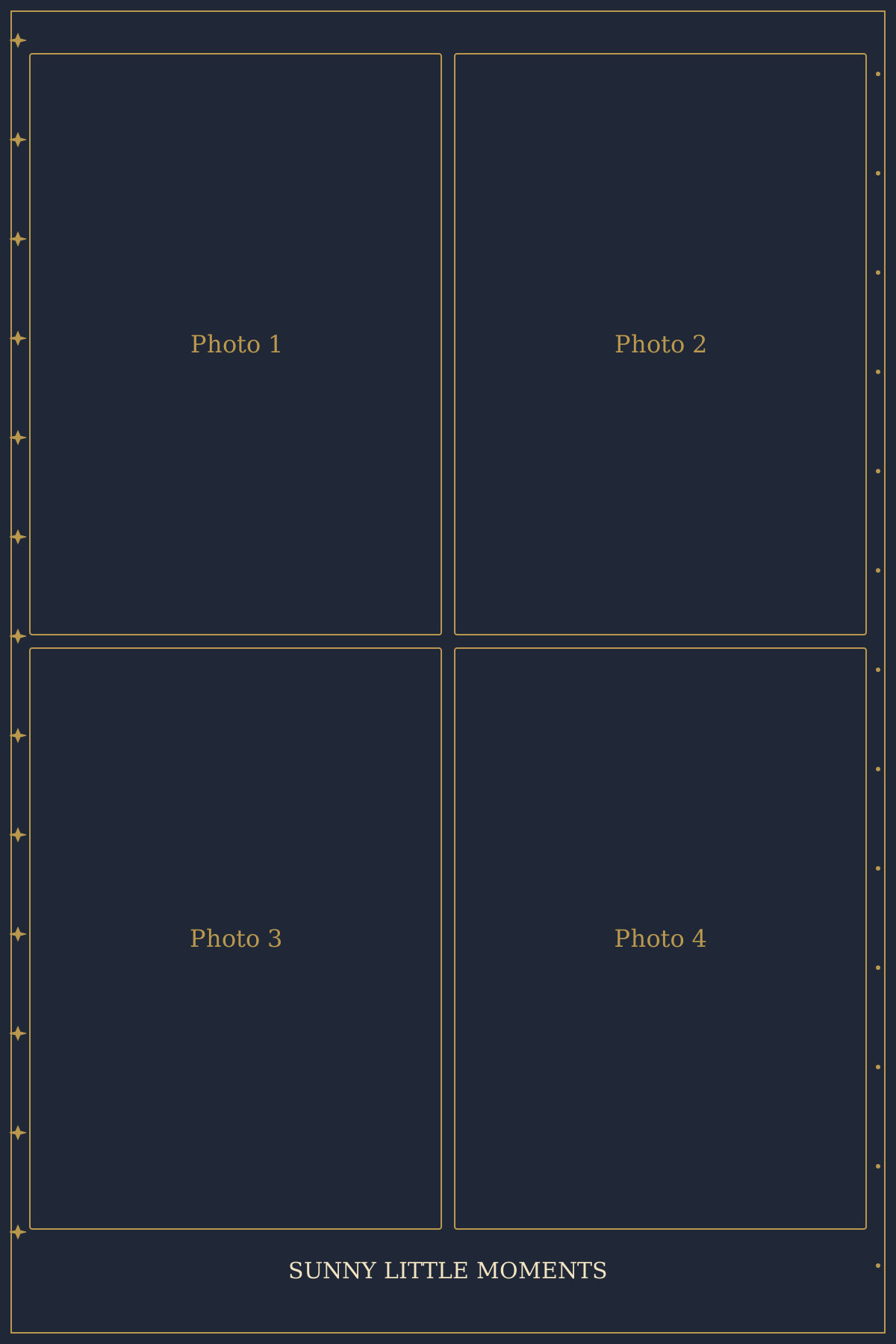
Celestial · 4×6 inch, four-photo grid
1200 × 1800 pixels · Free PNG composition and blank SVG download
1200 × 1800 px · 4 × 6 inches at 300 pixels per inch.
Add existing pictures and a caption. The centre of each picture fills its window; check every crop in the preview.
JPEG, PNG or WebP, up to 15 MB per picture. 0 of 4 photos added. Empty windows remain labelled placeholders.
Your selected photos are composed in this browser. This editor does not upload them. The PNG keeps the chosen layout; these web designs are separate from Flashroom’s eight in-app booths.
A summer strip should keep the expressions clear even when the location is colourful. Find a quiet background and put the seasonal detail into the caption or border.
Take the test shot in the light you will actually use. Direct sunlight can change quickly, so do not rely on a framing test from an earlier time.
Keep cameras, cables and prints away from wet surfaces. A decorative summer design is not weatherproof equipment.
The sequence is a suggestion. This layout has 4 distinct picture windows; use the moments you like and take an extra picture when the arrangement needs one.
A midnight border and original small star geometry make the photograph areas the brightest part of the layout.
Print a test for the dark border; it uses more ink than a light-paper layout and can hide a faint caption.
A two-by-two arrangement sits on a portrait sheet. The wider photo windows suit pairs better than the narrow strip crop.
Four pictures on a portrait print with a centred caption.
The photo editor fills each window from the centre of your picture. If a face sits near the edge, crop a copy of that picture before adding it. Empty windows stay visible as labelled placeholders; check the finished preview before you download.
This file is 1200 × 1800 pixels. At 300 pixels per inch, that corresponds to 4 × 6 inches (101.6 × 152.4 mm). The exported PNG does not command your printer to use that physical size; choose it in the print dialogue and check scaling.
These are calculated file dimensions, not a compatibility guarantee for a particular printer, cutter or professional booth app. Keep important faces away from the trim edge and make one test print before a larger batch.
Use the photo strip size calculator or check the strip printing guide.
Juste Tools permits personal and commercial use and adaptation of this original template artwork without attribution. That permission covers the border and arrangement, not third-party photographs, logos or other material you add. The blank SVG may be opened in a compatible editor; the PNG is a composed raster picture.
The web presets are independent of Flashroom’s eight mobile booth designs. If you want to take a fresh four-photo session rather than assemble existing pictures, the mobile app is available below.
4×6 inch, four-photo grid
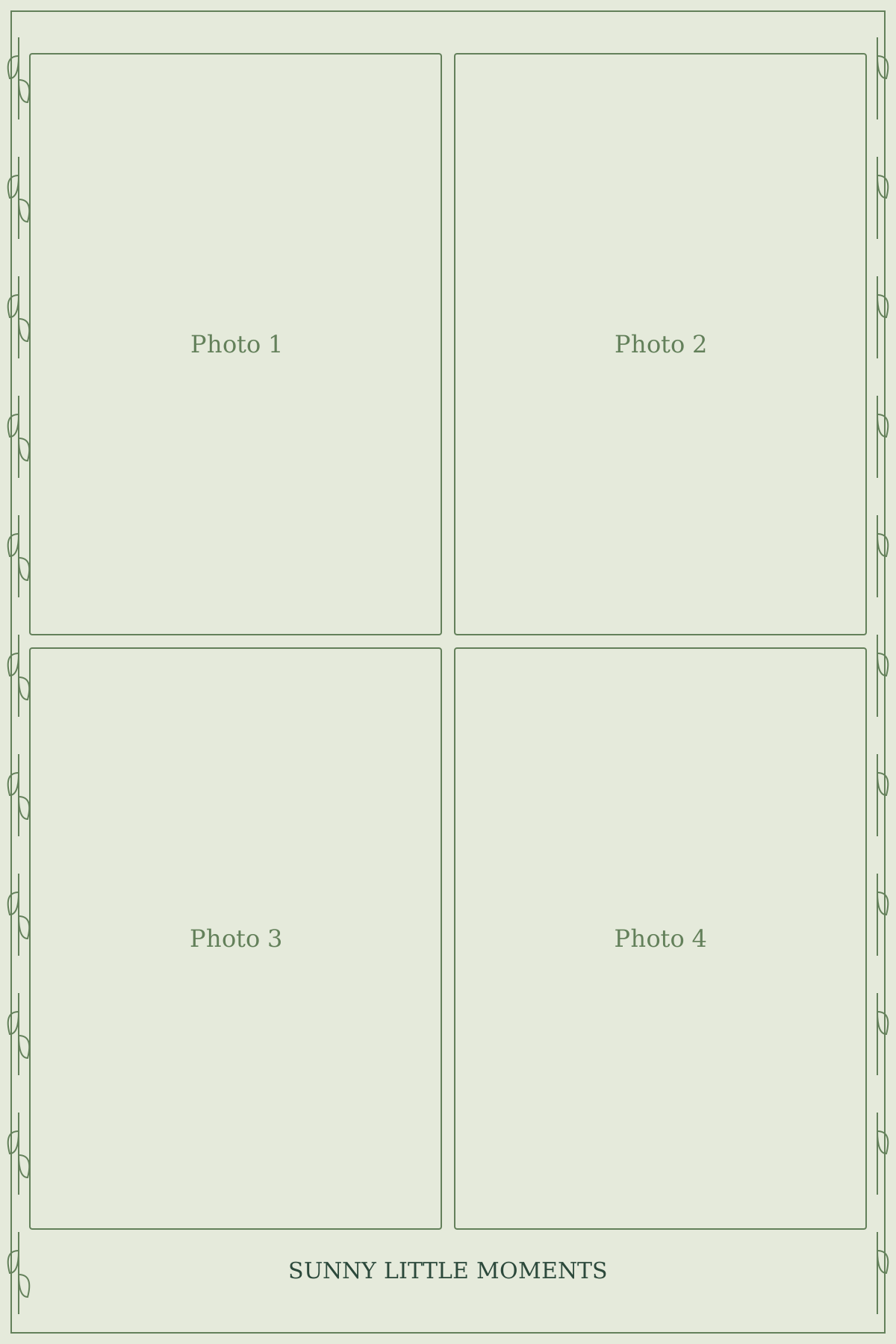
4×6 inch, four-photo grid
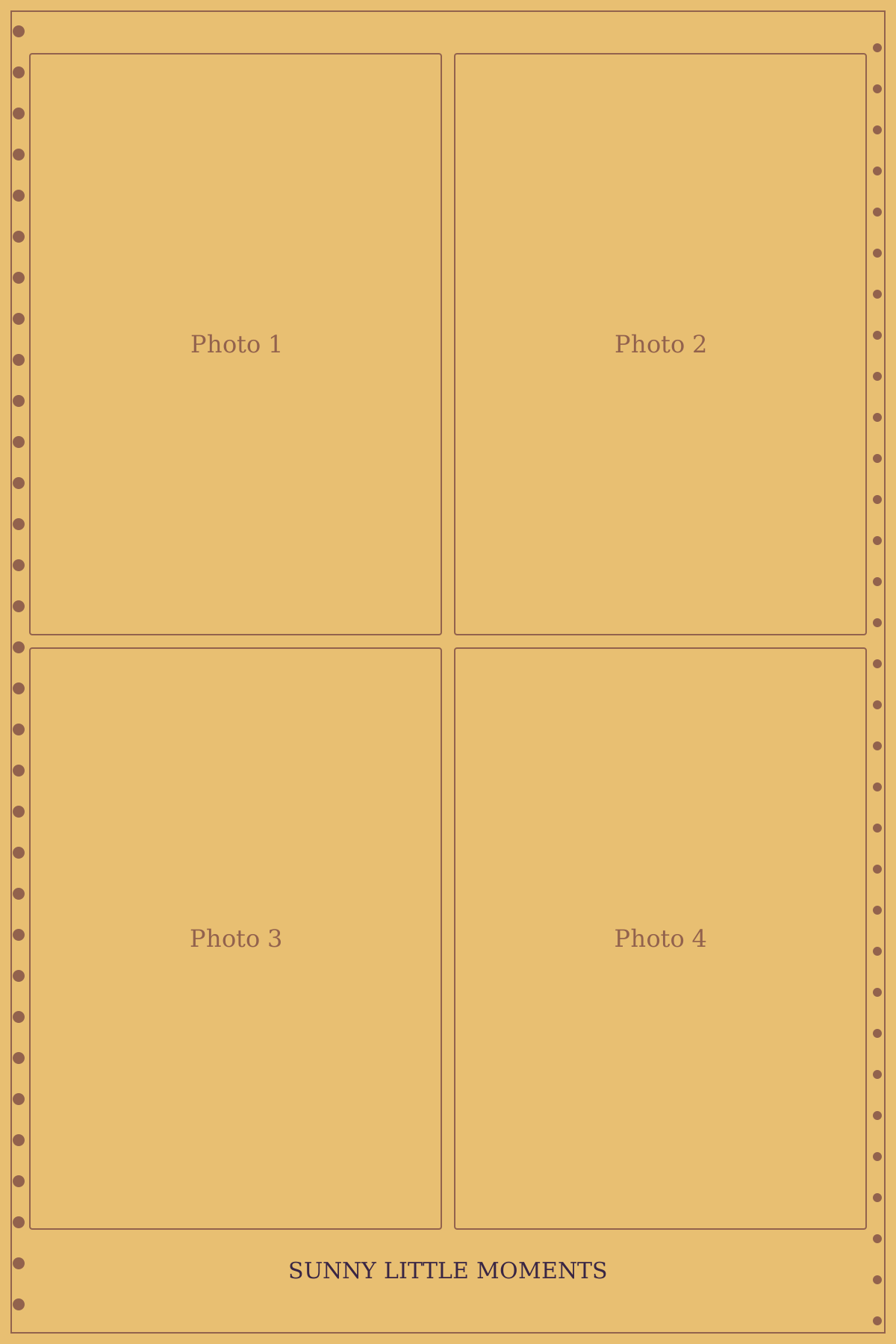
4×6 inch, four-photo grid
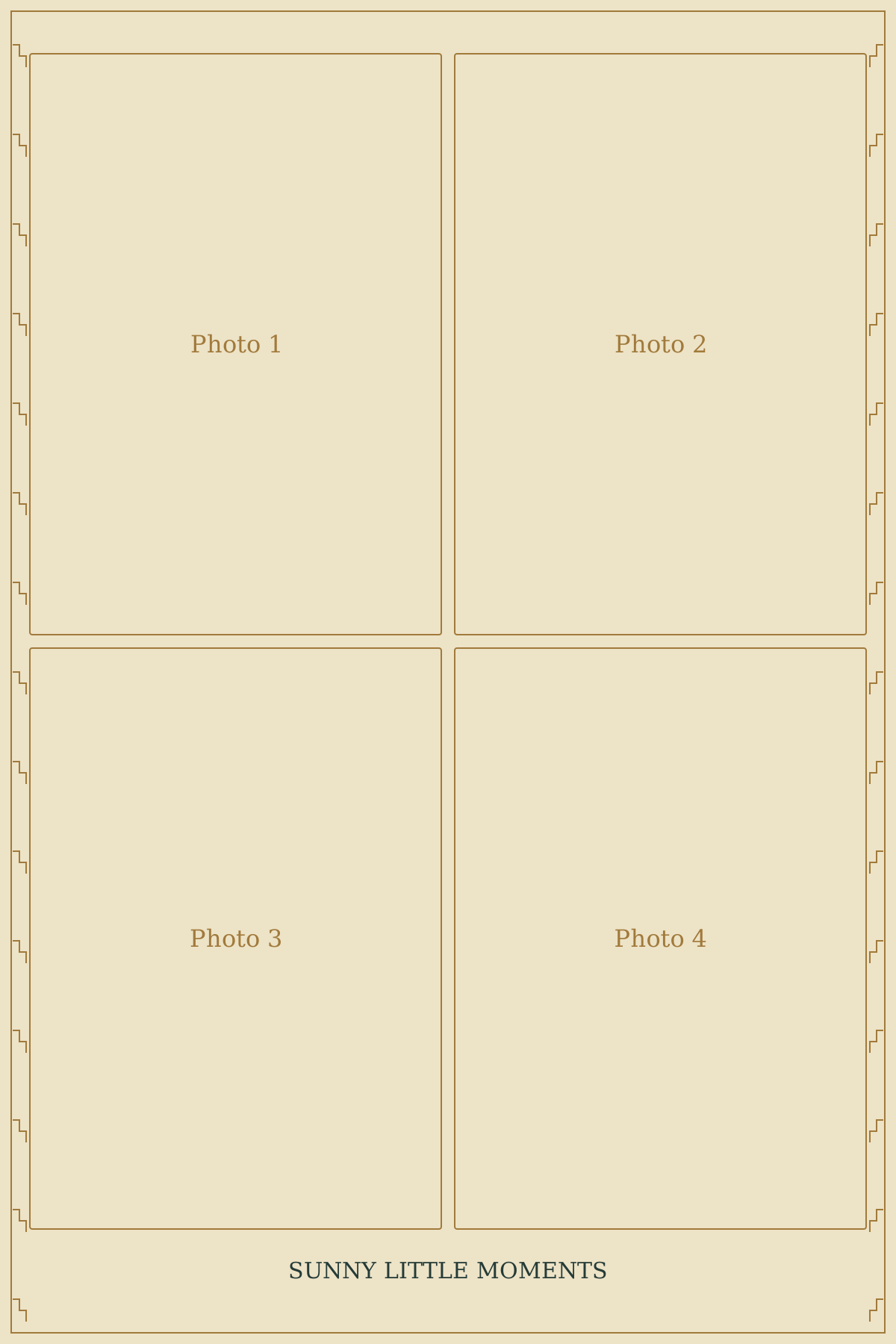
4×6 inch, four-photo grid
Take the next picture.
Make a fresh four-photo strip with Flashroom for iPhone. Choose one of eight booth moods, follow the countdown and keep the moments together.
Every booth is free to try. Exports include a small signature; an optional subscription removes it. These web templates are separate design resources.