
Archival · Graduation
2×6 inch, four photos
A shelf in the print room
Use the strip to tell the movement from ceremony to celebration. The cap or programme can be a prop, but the person's face should remain the focus.
200 photo booth templates · Page 1 of 9
Test the top of the frame with a cap on before the countdown. Hold a programme below the face so it does not hide a smile.
Ask the group before adding the school name or year to a public copy. Individual achievements belong to the people in the pictures.
A narrow strip asks for a tighter portrait; a grid gives pairs and wider expressions more room. Each design page shows the physical size, the number of distinct pictures and a working preview. The paired-strip layout repeats the same three photographs on two matching halves.
The blank SVG is original reusable template artwork. Open a design to add JPEG, PNG or WebP pictures and export a composed PNG locally in your browser. No account is needed for this web editor. The template artwork may be used and adapted for personal or commercial designs; permission for your photographs is separate.
For a printed keepsake, choose the stated physical dimensions in the actual print dialogue. A pixel file alone cannot control paper, cutting or a printer's scaling. Read the photo strip size guide and test one sheet before a batch.
These web templates are design resources. To shoot a fresh four-photo session with Flashroom's own eight booth styles, use the iPhone app linked below. The web catalogue does not claim that its designs are available inside the mobile app.
2×6 inch, four photos

2×6 inch, three photos

2×6 inch, two photos

2×8 inch, four photos

2×8 inch, five photos
4×6 inch, four-photo grid
4×6 inch, three-photo story
6×4 inch, four-photo grid
4×4 inch, four-photo square
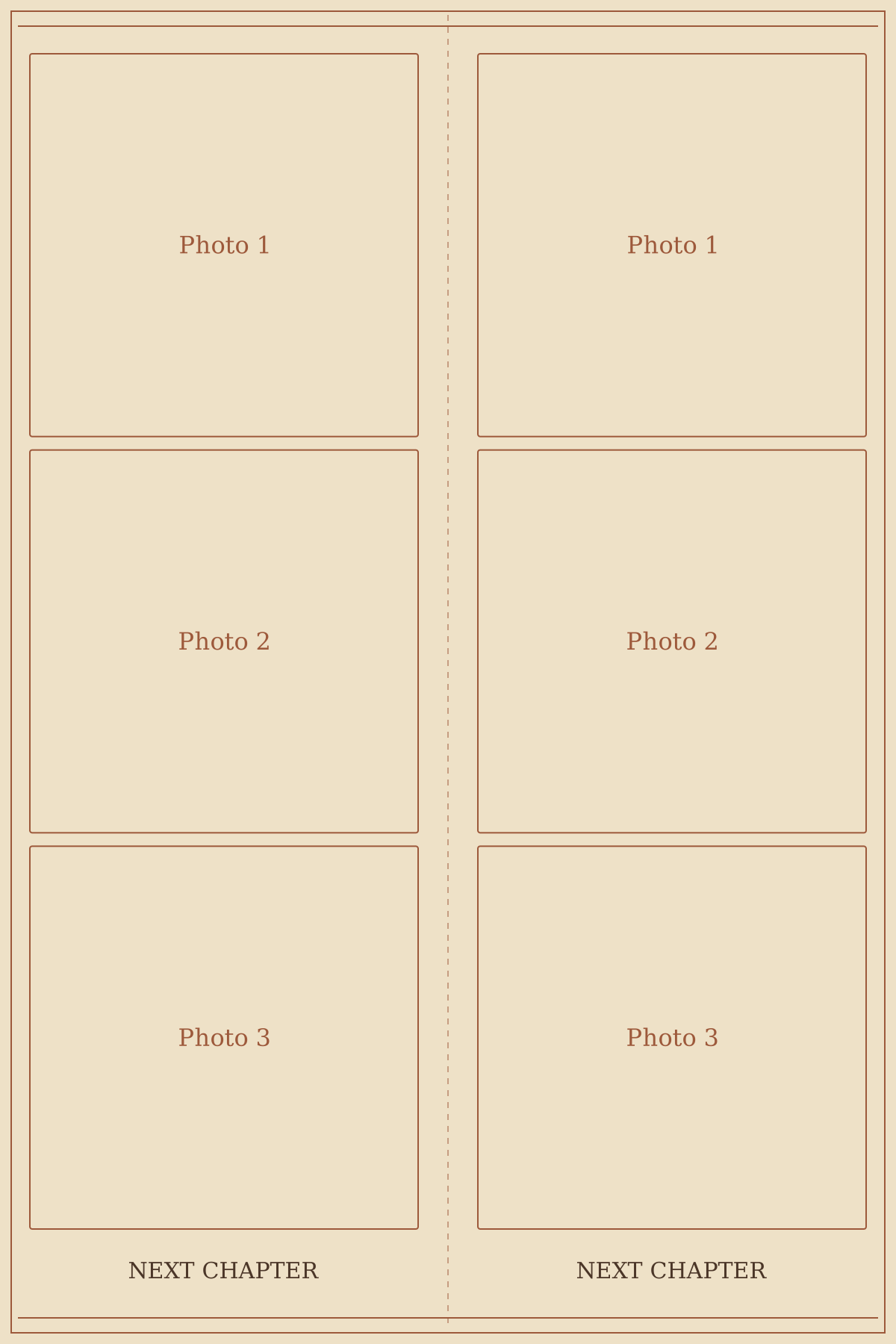
4×6 inch, paired three-photo strips
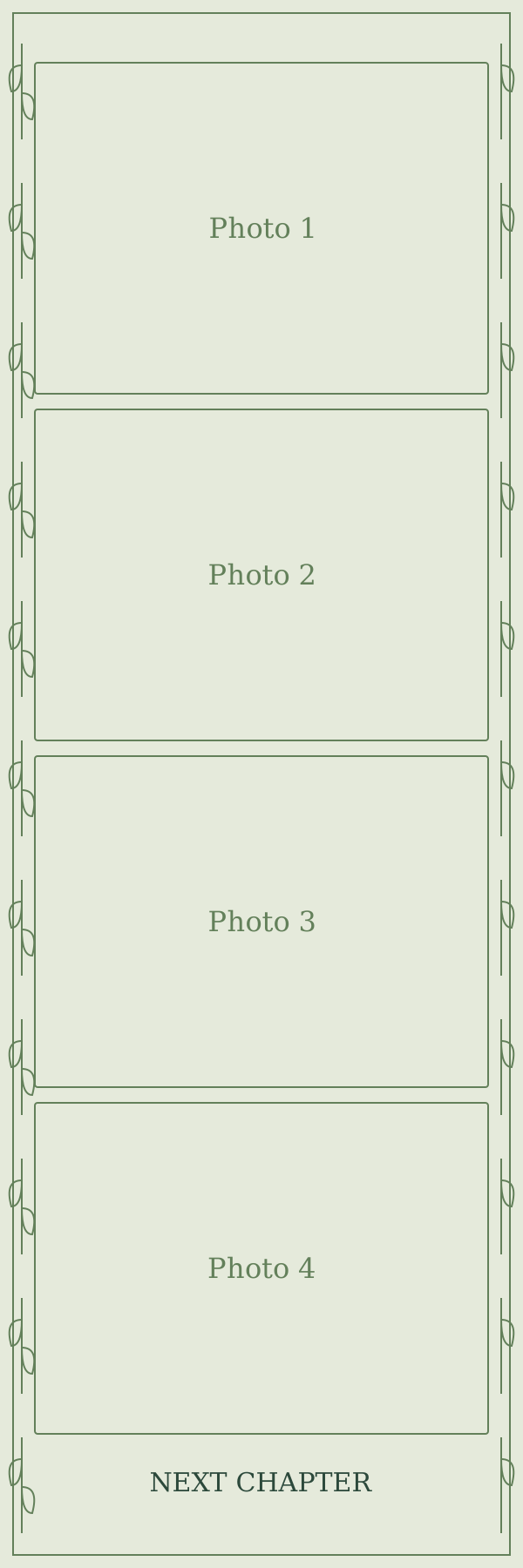
2×6 inch, four photos
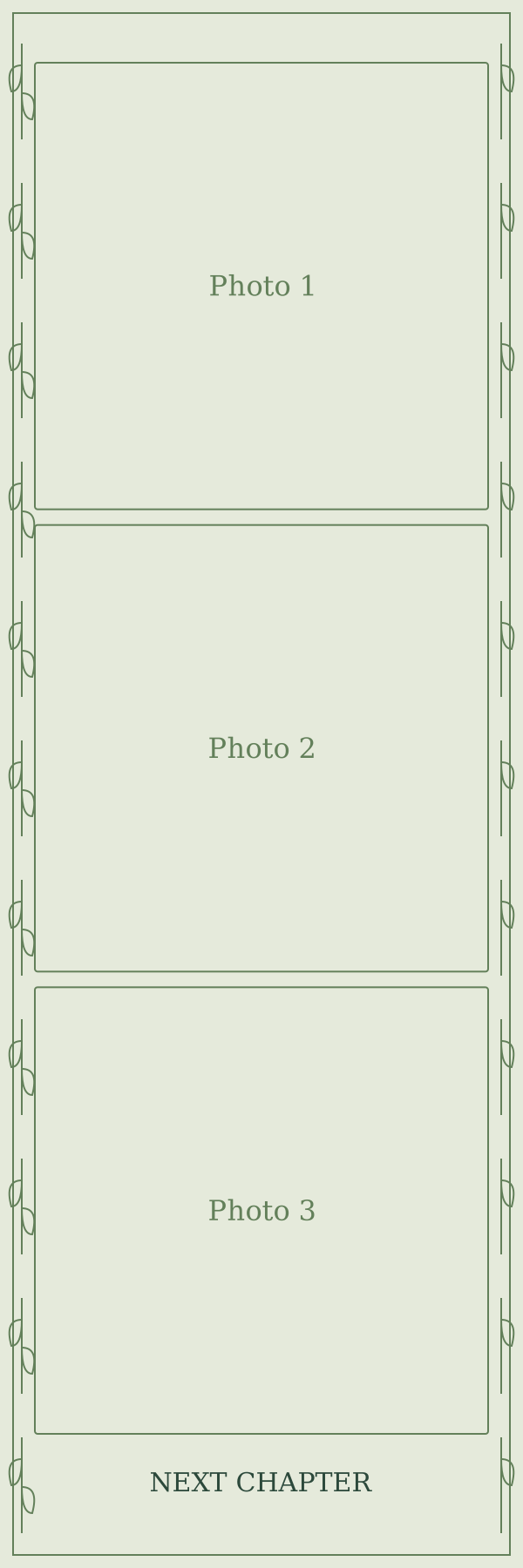
2×6 inch, three photos
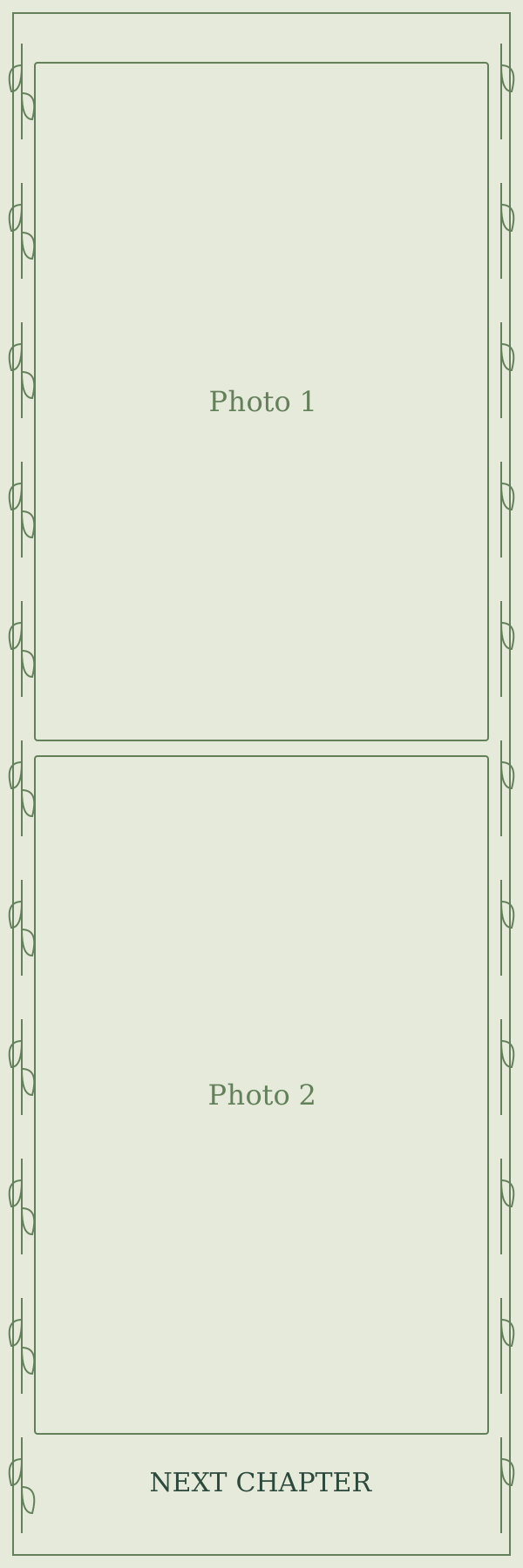
2×6 inch, two photos
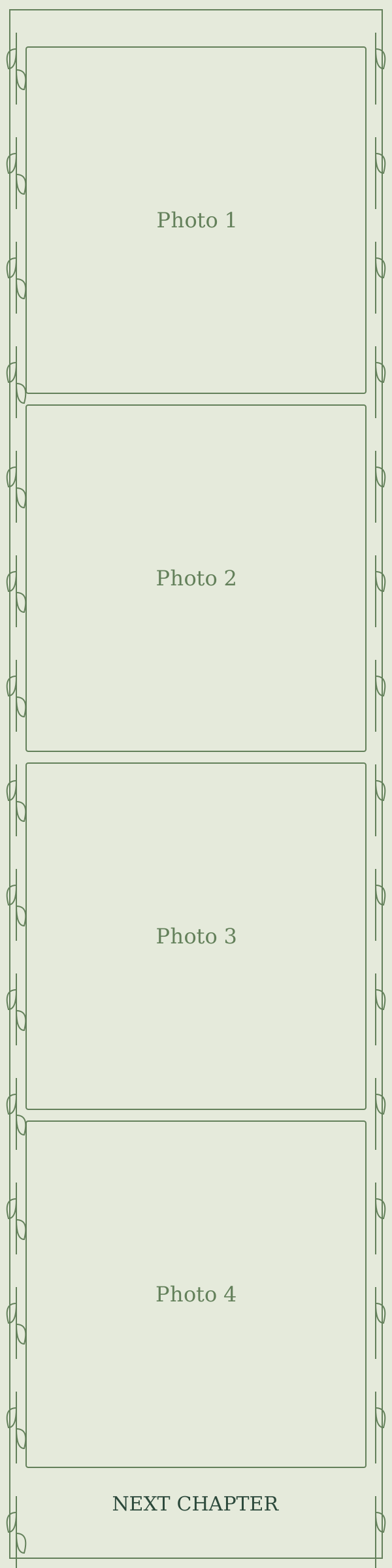
2×8 inch, four photos
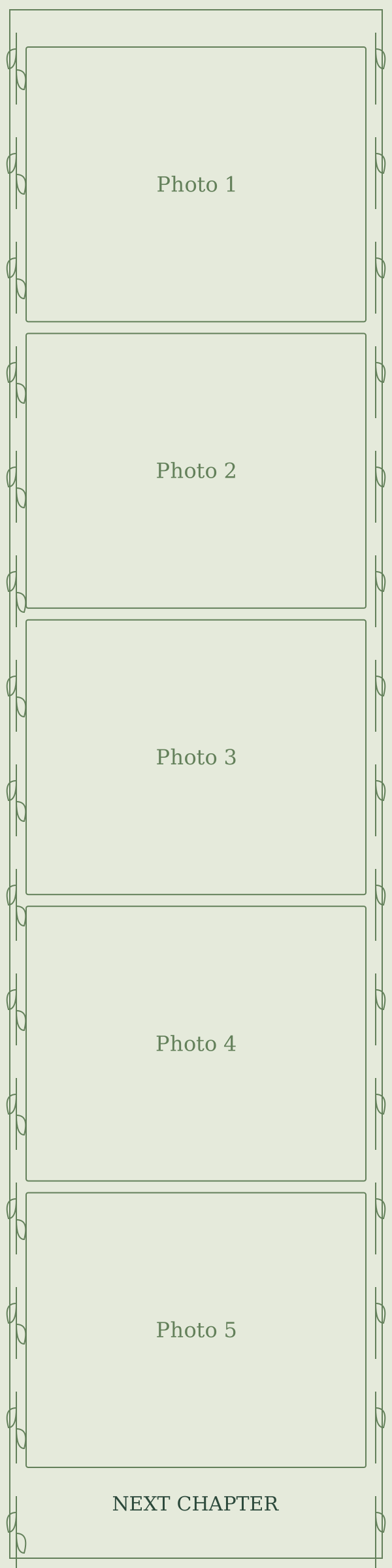
2×8 inch, five photos
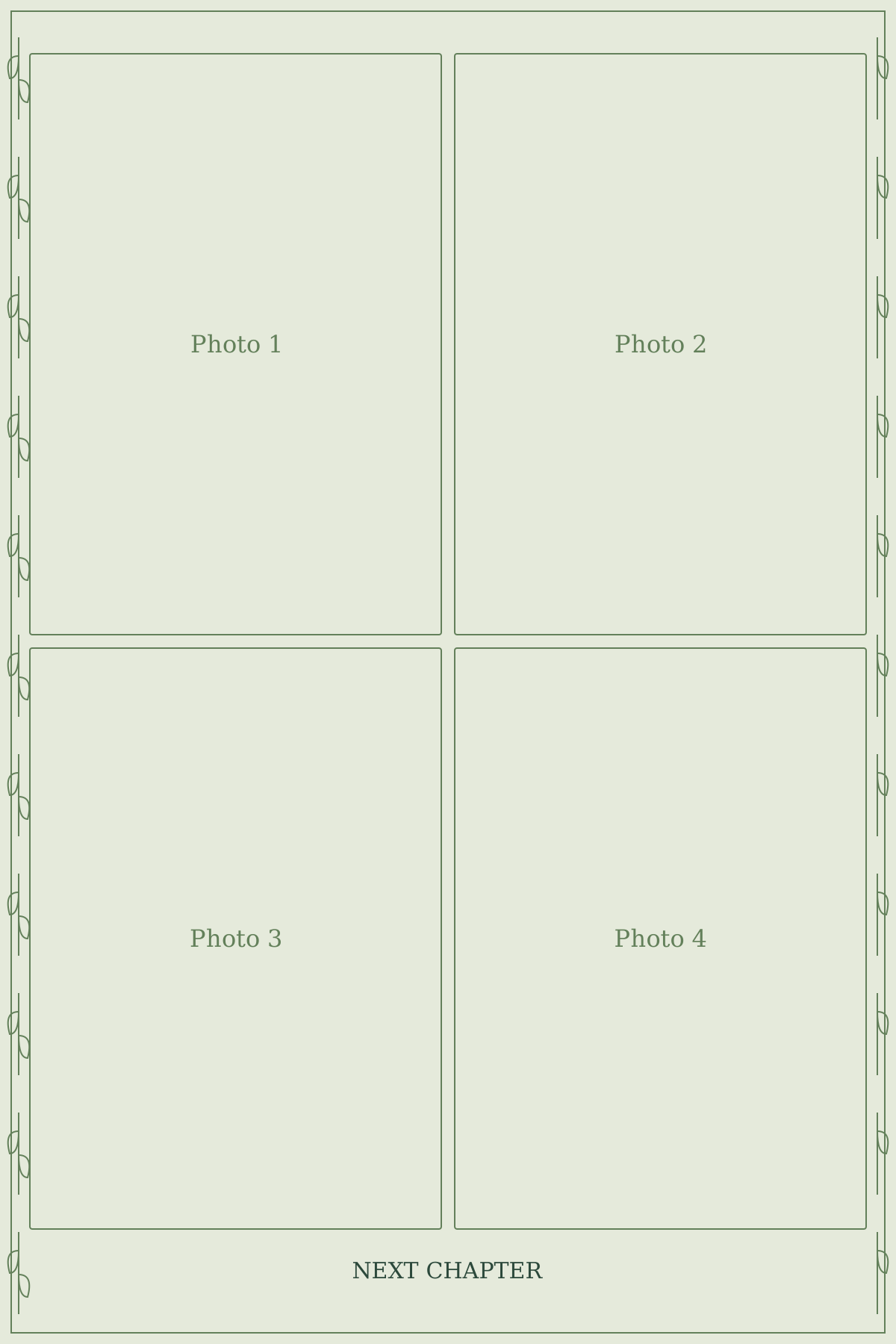
4×6 inch, four-photo grid
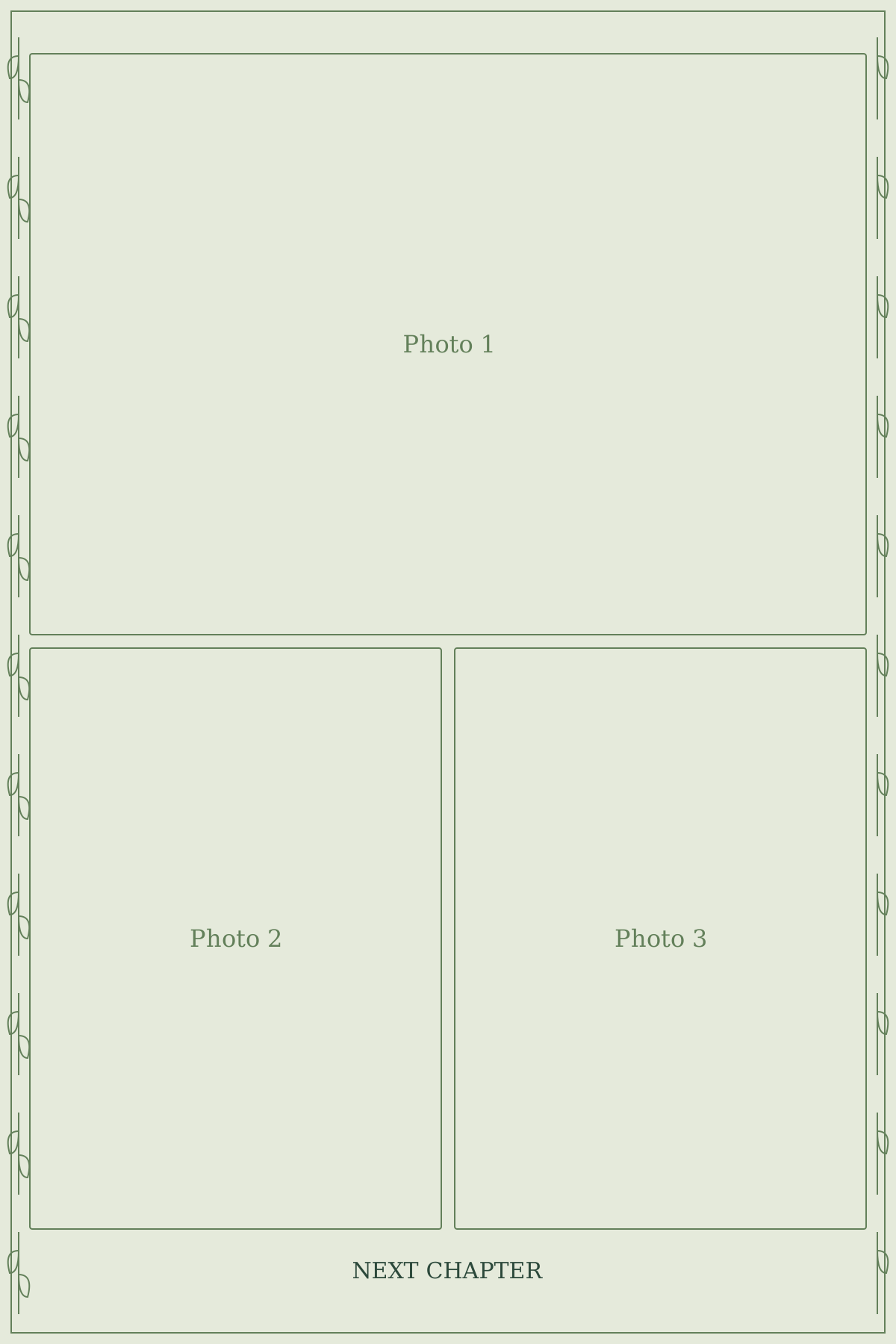
4×6 inch, three-photo story
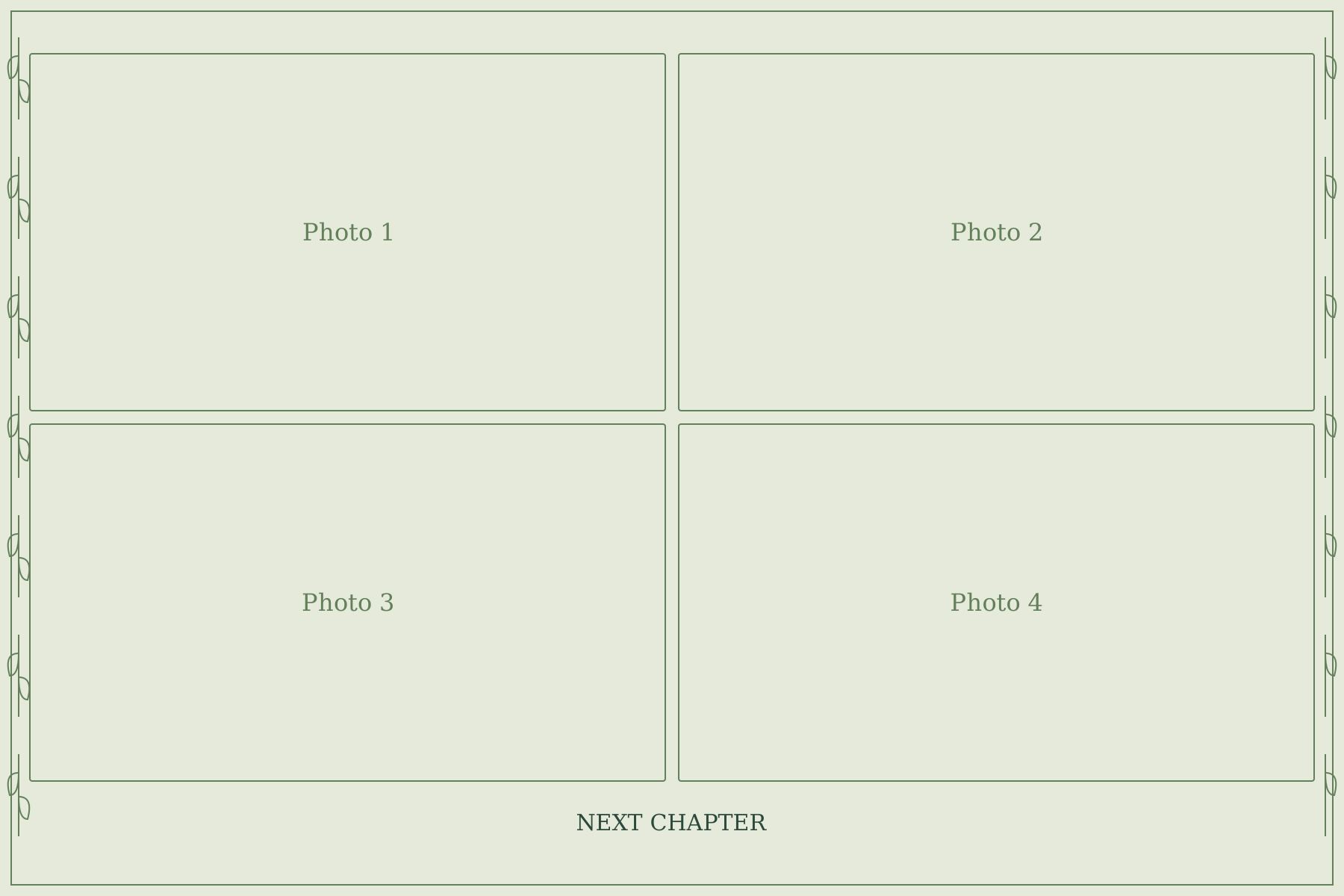
6×4 inch, four-photo grid
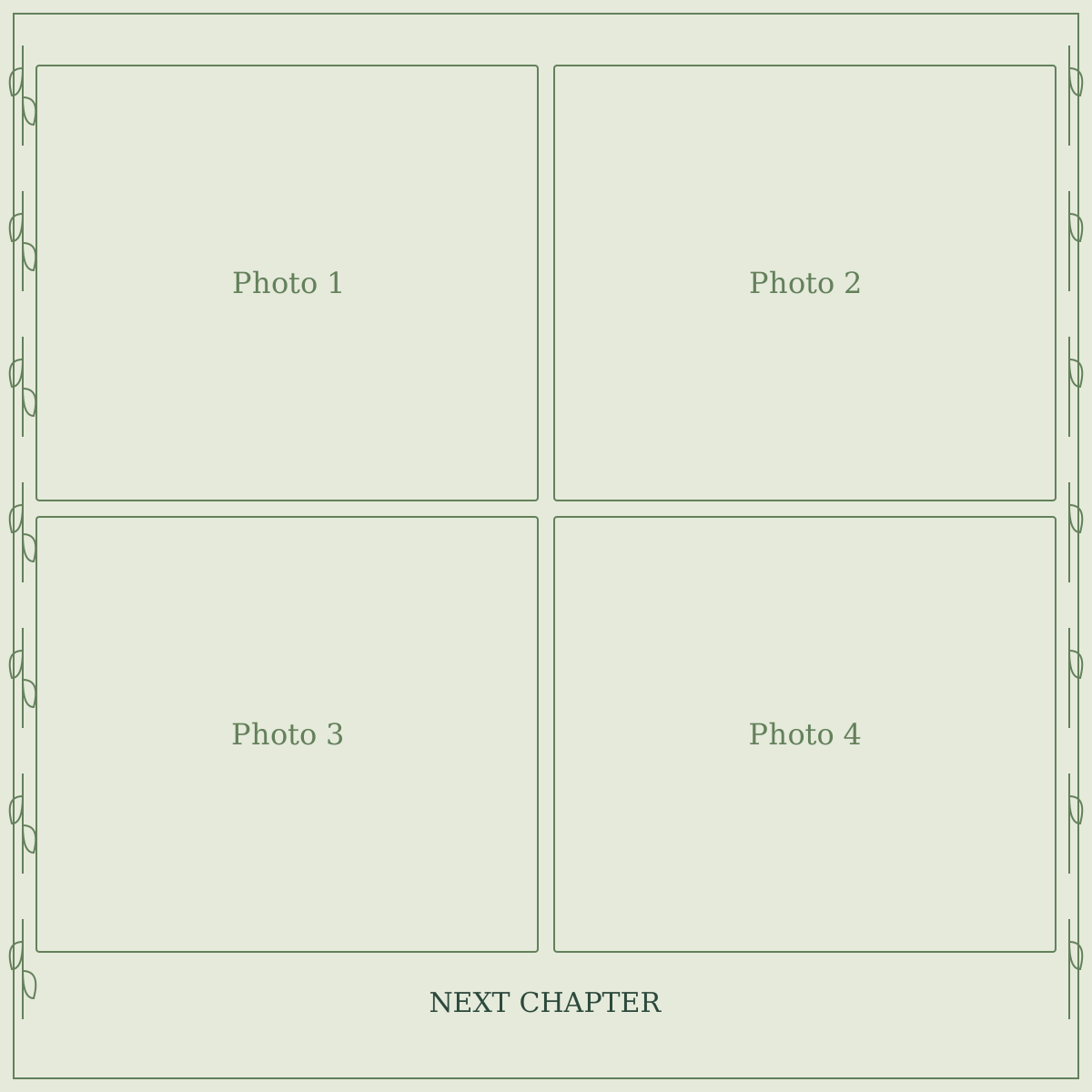
4×4 inch, four-photo square
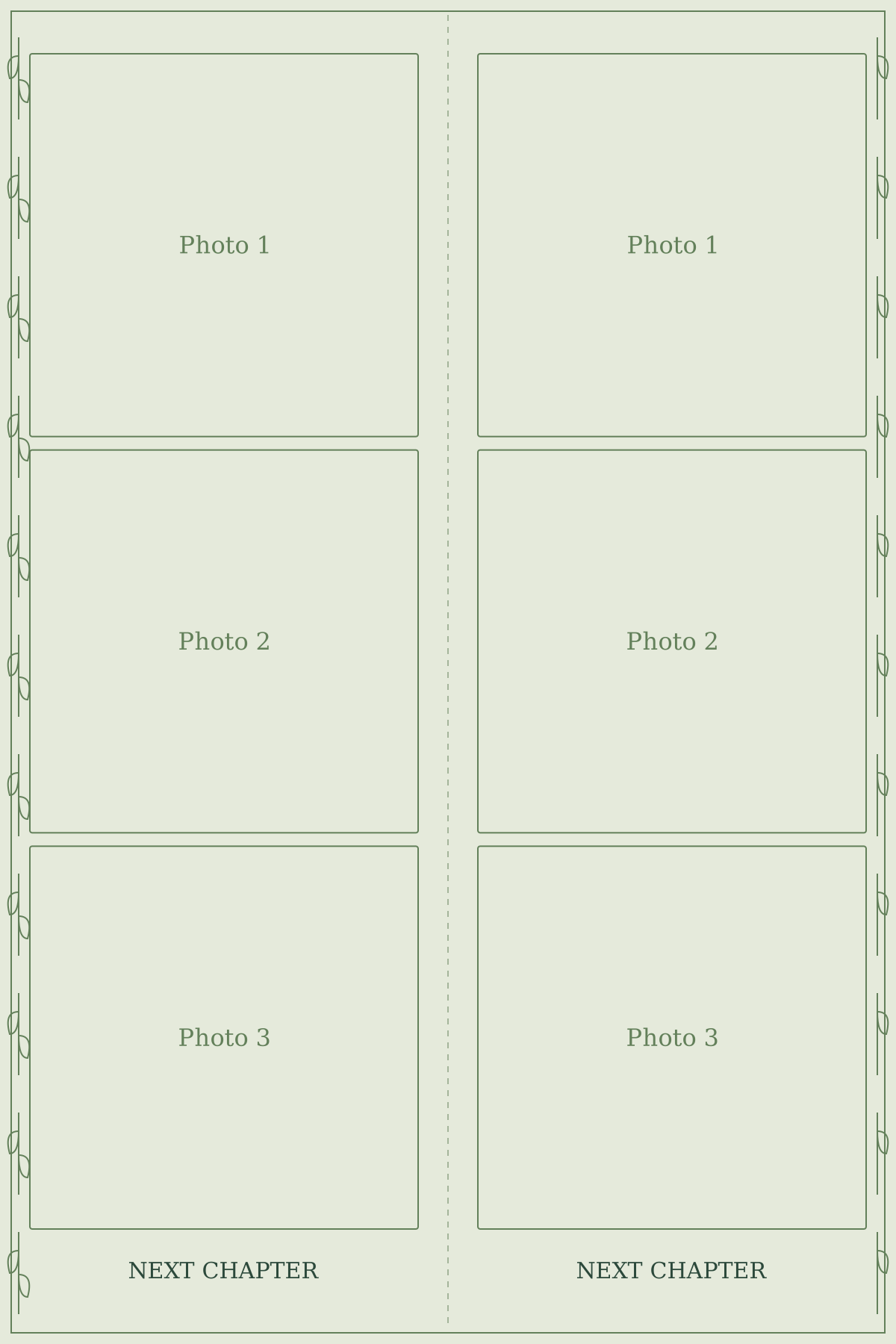
4×6 inch, paired three-photo strips
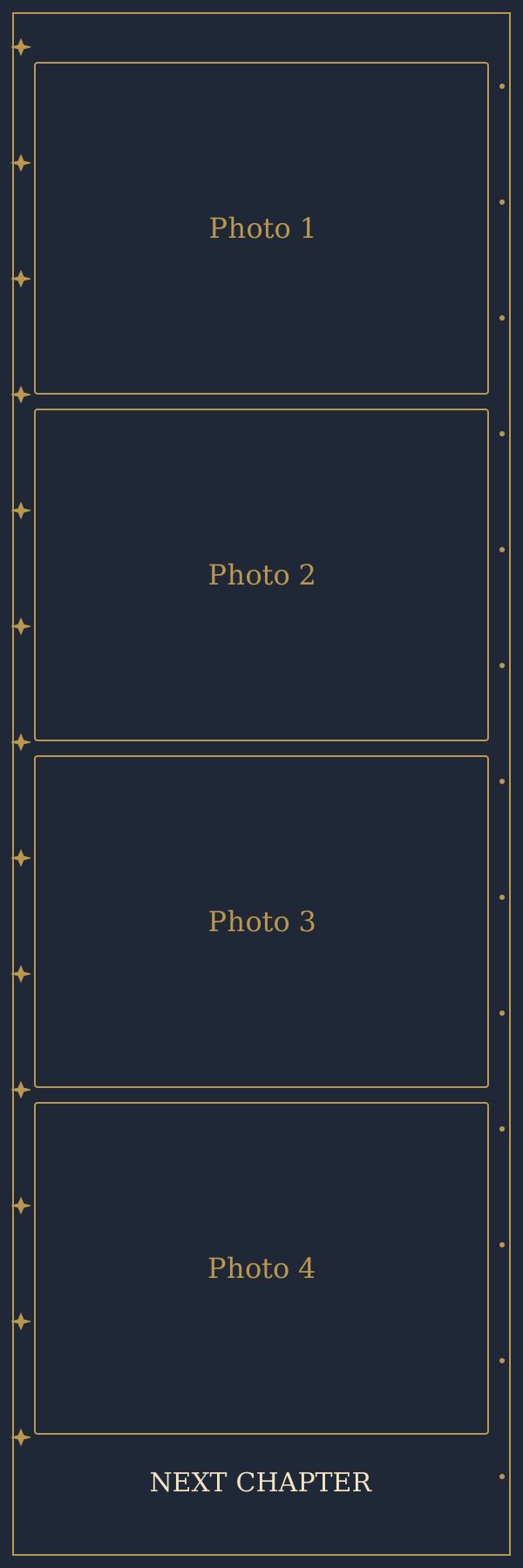
2×6 inch, four photos
2×6 inch, three photos
2×6 inch, two photos
2×8 inch, four photos
Take the next picture.
Make a fresh four-photo strip with Flashroom for iPhone. Choose one of eight booth moods, follow the countdown and keep the moments together.
Every booth is free to try. Exports include a small signature; an optional subscription removes it. These web templates are separate design resources.