 Flashroom
Make & keep
Photo strip maker: use your existing photos
Make a photo strip from saved JPEG, PNG or WebP pictures and download one finished PNG from the Flashroom print room.
You can make a photo strip from photographs already on your device by placing them into a multi-frame layout. That is a collage workflow rather than a live photobooth session. Start with the best available originals and make the layout around the story they tell.
Choose a free photo booth template and add your pictures
A worked four-picture keepsake
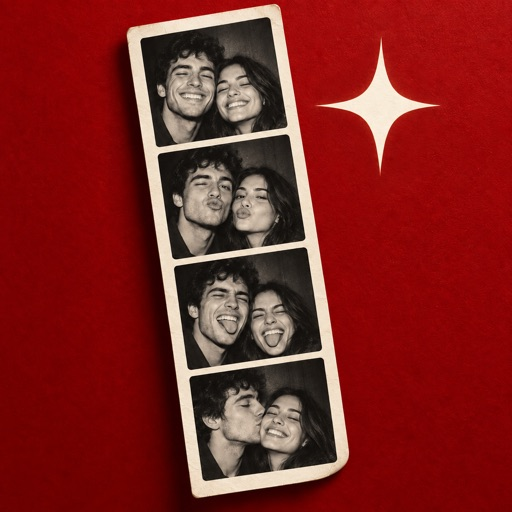
Choose an arrival photograph, a portrait together, one funny reaction and a closing frame from the same occasion. Place them in that order so the strip has a beginning and an ending. If the images come from different dates, use a repeated person, place or gesture to connect them.
Open a four-slot preset in the print room, add those photographs, then compare the face sizes in the preview. Download the composed PNG when every face is visible. Keep the original photographs separately so you can try another layout later.
What this maker produces
The browser tool exports a finished PNG made from your uploaded pictures. You can also download a blank SVG layout. It does not capture a webcam sequence, reconstruct missing detail or turn an out-of-focus original into a sharp photograph.
Open the print room
The Flashroom print room now contains 4,000 original design presets across 20 occasions, 20 illustrated borders and 10 arrangements. Choose a template, add JPEG, PNG or WebP pictures in your browser, and download a composed PNG. Each design also includes a blank SVG. The web presets are separate from the eight designs inside the mobile app.
Choose four pictures that belong together
A sequence from one occasion is easy to read, but different dates can work when the connection is clear. Try arrival, a shared moment, a reaction and departure. Avoid including an almost-identical frame merely to reach four; a change in gaze or gesture can give the sequence its rhythm.
Copy the selected files into a working folder. Keep the originals unchanged, including any capture metadata you may later need.
Match the frame shapes
Choose a strip template with the aspect ratio you want. Crop each photograph into its slot and compare head size from one frame to the next. Wide group photographs may need wider slots or a grid; a narrow strip can become unreadable when too many people are squeezed into it.
Do not stretch a face to fill a slot. Use a crop or leave an intentional border when the source image cannot fill the shape.
Unify gently
A consistent border and background often do more than an aggressive filter. If you adjust colour, judge skin tones across the whole sequence. Black and white can connect photographs made under different lights, but it will not repair blur or missing detail. Let an unusual expression stay unusual when it is part of the memory.
Export the thing you intend to keep
For a screen, save a finished image with readable faces and captions. For a print, choose the physical size and matching pixel dimensions first. Open the exported file outside the editor and make a proof before ordering several copies.
Our template downloads provide blank SVG layouts for an editor that supports them. They are not a claim that every booth app can import old photographs. If you prefer an app, check its current import feature and the format of its finished export before purchasing it.