Make & keep
Free photo booth templates and strip layouts
Choose a photo booth template, add your saved pictures in the browser and download a finished PNG or a blank SVG.
A useful template starts with the finished file or piece of paper. Choose a narrow strip, a sheet containing two strips, or a four-picture grid before adding decorations. The downloadable layouts on this page are original Flashroom resources with empty photo spaces, rather than copied designs from another booth company.
Choose a free photo booth template and add your pictures
Three original blank layouts.
Free SVG downloads for an editor that supports SVG. Photo spaces are placeholders; place your own images before making a finished export.
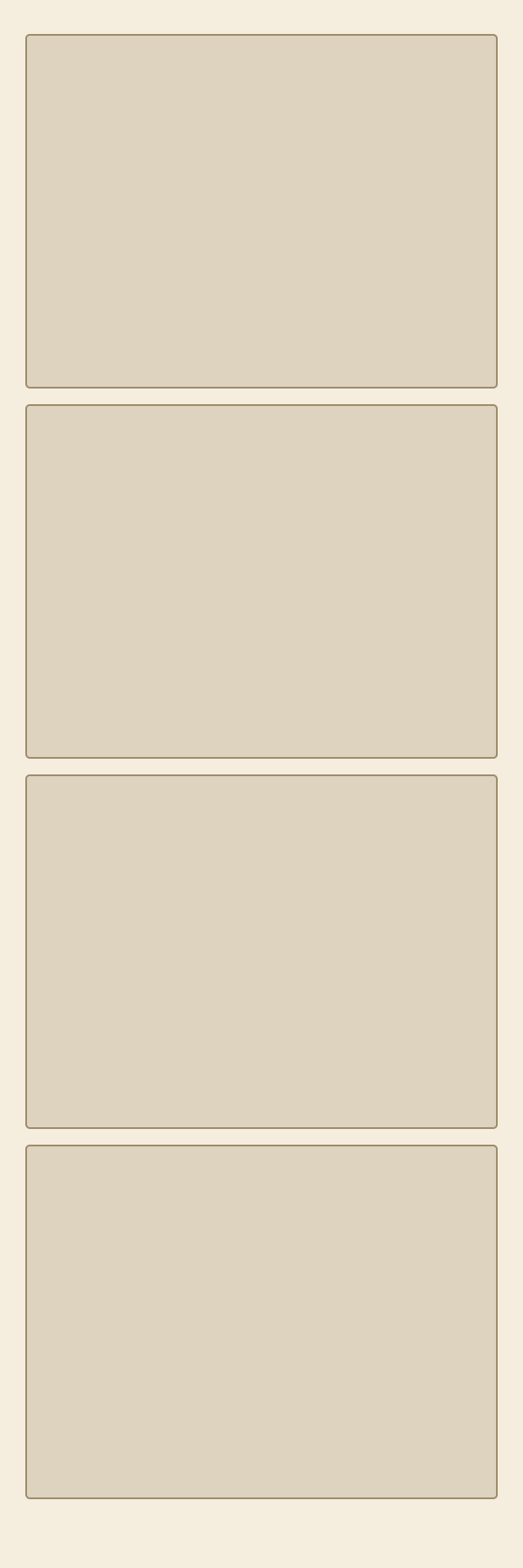
Four-frame strip
600 × 1,800 px · 2 × 6 in at 300 ppi
Download four-frame strip SVG
Two strips on a sheet
1,200 × 1,800 px · 4 × 6 in at 300 ppi
Download two strips on a sheet SVG
Four-photo grid
1,200 × 1,200 px · square layout
Download four-photo grid SVGOriginal layouts by Juste Tools. You may reuse and adapt these three files for personal or commercial designs without attribution. This permission applies to the layouts, not to third-party photographs you place in them.
From template to finished photo strip
Open a preset in the print room, choose the pictures for its slots, and inspect the preview before downloading. Use a strip for a tall four-frame souvenir or a contact-sheet arrangement when a wider set of portraits fits your pictures better.
The PNG download contains the composed result; the SVG download is a blank layout for further editing. If you want a finished souvenir, use the PNG after filling the slots rather than saving an empty template.
A template is not a camera filter
The web presets arrange your photographs and their borders. They do not reproduce every camera effect from the mobile app. For the colour, black-and-white and arcade moods of our eight original booths, start a new session in Flashroom on iPhone.
Open the print room
The Flashroom print room now contains 4,000 original design presets across 20 occasions, 20 illustrated borders and 10 arrangements. Choose a template, add JPEG, PNG or WebP pictures in your browser, and download a composed PNG. Each design also includes a blank SVG. The web presets are separate from the eight designs inside the mobile app.
Choose a layout
The narrow four-frame layout uses a 600×1800 canvas, corresponding to 2×6 inches at 300 pixels per inch. The paired-sheet layout uses 1200×1800 pixels, corresponding to 4×6 inches at the same scale. The square grid uses 1200×1200. Download the SVG and open it in an editor that supports the format.
The files contain labelled placeholder rectangles. Replace those with your photographs in your chosen editor; the blank SVG download does not import images or run a camera session; the separate browser editor accepts your uploads and creates a composed PNG.
Leave room for the photograph
Keep the same border rhythm around each slot. Avoid placing a large logo or message inside the face area. A caption space below the sequence usually works better than repeating a long sentence between every frame. Test your design with the tallest head and widest group you expect to include.
Use a transparent overlay only when needed
A print layout can include its paper background. A camera overlay may instead need transparent photo windows and a format accepted by the booth software. An SVG template and a transparent PNG overlay are different deliverables. Check the software’s dimensions and import instructions before exporting a working overlay.
Prepare an editable master and a final copy
Keep the editable layout with its photo slots and text. Export a flattened finished file for ordinary sharing or printing, then inspect that export separately. Check names, dates and cut lines on a physical proof. If you distribute a template of your own, include the canvas dimensions and explain whether the file is a blank layout, a camera overlay or a finished print. Our downloads may be reused and adapted for personal or commercial layouts; no attribution is required.